Make.com Core Concepts: Automation Fundamentals Explained
Master Make.com core concepts: apps, actions, modules, connections, and data mapping. Quick guide to 2200+ app integration platform mechanics.
Ready to automate?
Start building this workflow with Make.com — free forever on the starter plan.
Overview
This is a foundational tutorial for the Make.com platform.
Help beginners understand core concepts of automated workflows:
- Apps - Connectable third-party services
- Actions - Executable operations within apps
- Modules - Functional units in workflows
- Connections - Authorization to access third-party apps
- Data Mapping - Data transfer between modules
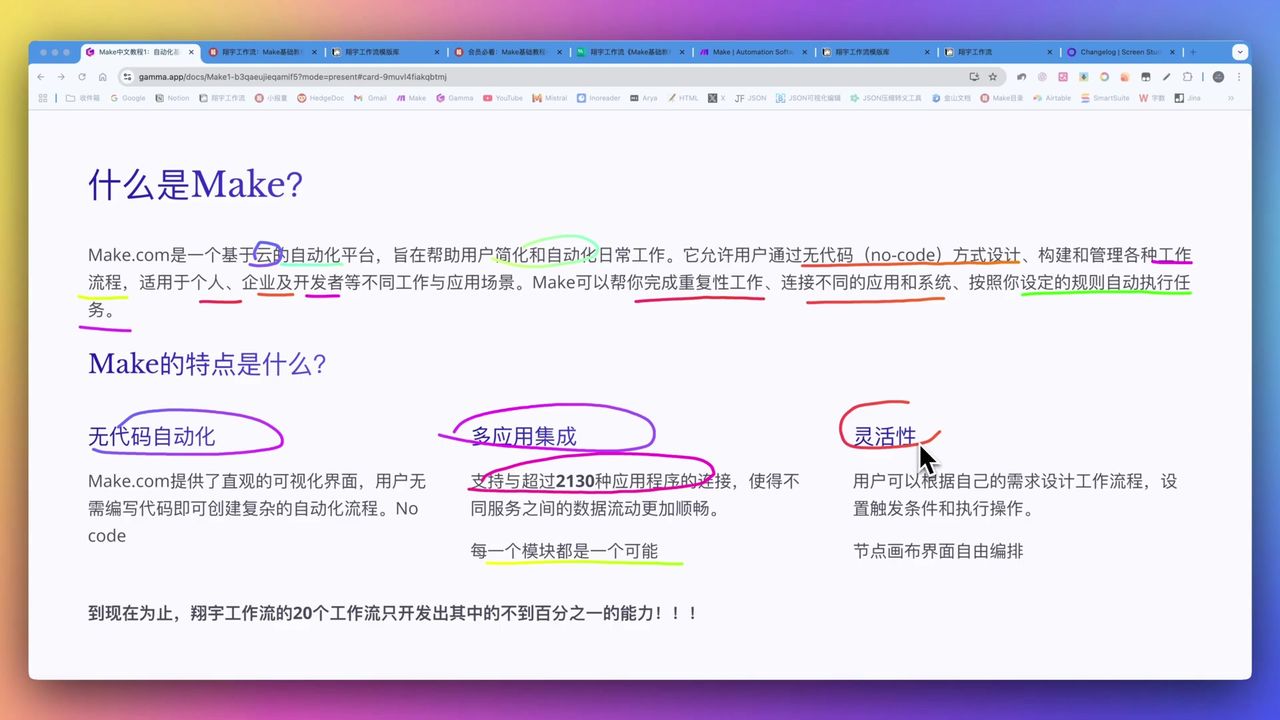 No-code visual workflow building interface
Core Decision Factors
When choosing an automation platform, consider:
- Multi-App Integration - Quantity and quality of connectable apps
- Ease of Use - No-code/low-code characteristics
- Flexibility - Customization of trigger conditions and data filtering
- Efficiency Gains - Reducing human errors, processing massive information
- Learning Curve - Entry difficulty and community support
Technical Specifications
| Specification | Value | Notes |
|---|---|---|
| Integrated Apps | 2200+ | Continuously updated |
| Update Frequency | Monthly | New apps and features |
| Avg Actions per App | 4-5 | Typical application |
| LinkedIn Actions | 19 | 1 trigger + 13 actions + 5 searches |
| Workflow Possibilities | Unlimited | Combination of modules and actions |
Prerequisites
Before starting, ensure you have:
- Make.com account (free registration)
- Modern browser (Chrome, Firefox, etc.)
- Basic internet experience
Make.com is a cloud service - no software installation needed, accessible via browser.
Core Concept 1: Apps
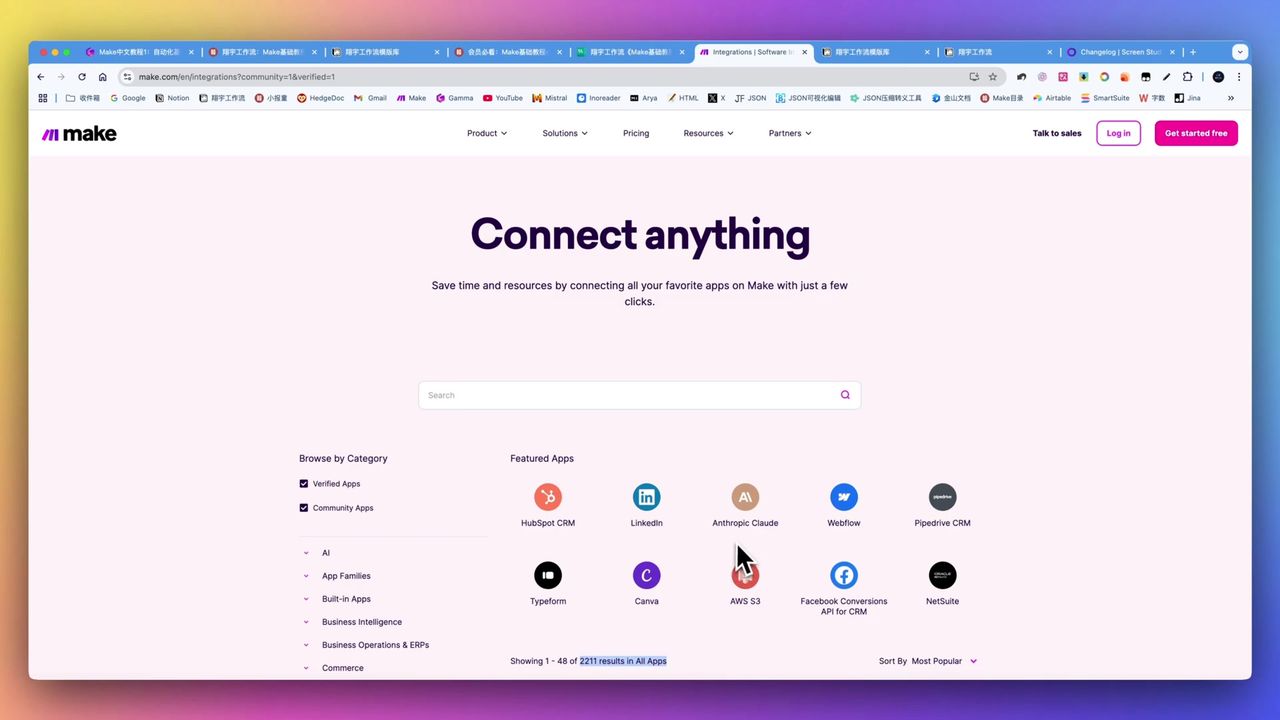 2200+ apps integrated in Make.com
What are Apps?
Apps are third-party services Make.com can connect to, including:
- Office Collaboration - Notion, Google Sheets, Airtable
- Social Media - Twitter, LinkedIn, Instagram
- Email Services - Gmail, Outlook, Mailchimp
- AI Services - OpenAI, Claude, Gemini
- Storage Services - Dropbox, Google Drive, OneDrive
Each app provides a set of callable operation interfaces.
Core Concept 2: Actions
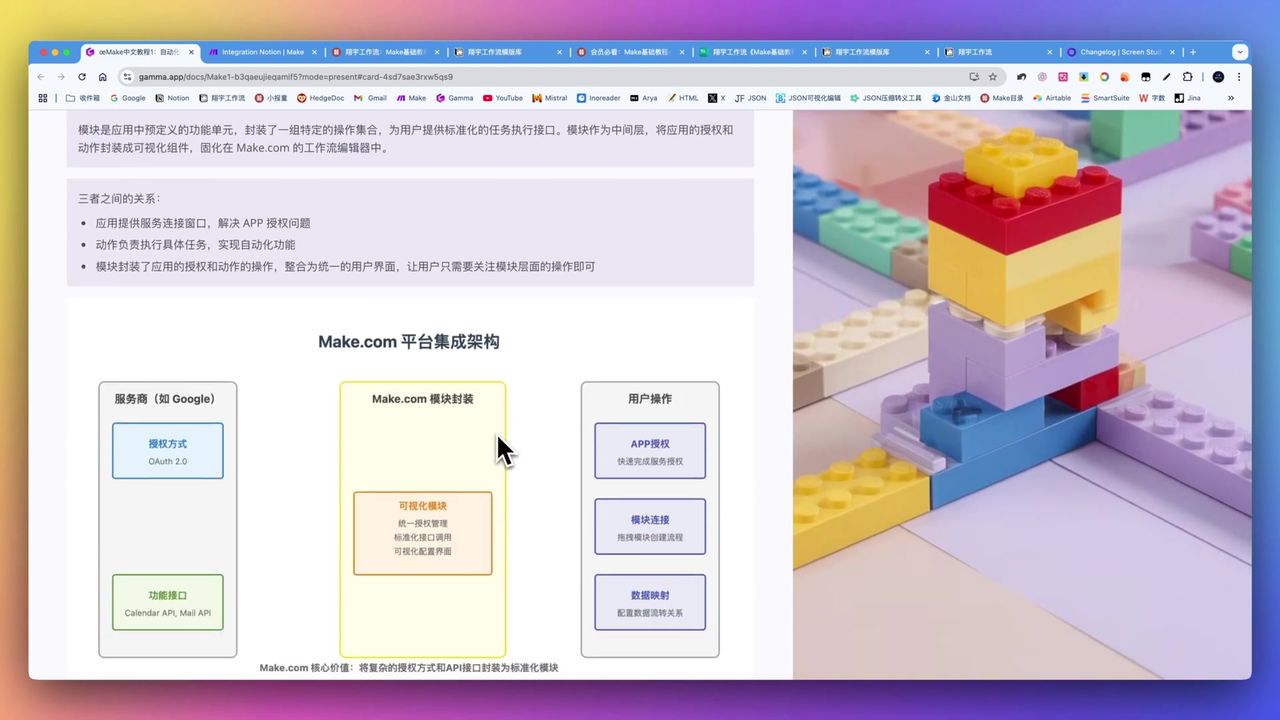 Core concepts and their relationships
What are Actions?
Actions are specific operations executable within apps, divided into three categories:
Triggers
- Listen for events, start workflows
- E.g.: Receive new email, add database entry
Actions
- Execute specific operations
- E.g.: Send email, create record, update status
Searches
- Query and return data
- E.g.: Search users, get file list
Core Concept 3: Modules
What are Modules?
Modules are functional units in workflows, visual representations of actions:
- Each module corresponds to a specific action
- Modules transfer data via connecting lines
- Modules execute sequentially in order
Module Types:
- Trigger modules (circular) - Workflow starting point
- Action modules (rounded rectangle) - Execute operations
- Router modules (diamond) - Branching logic
- Aggregator modules - Merge data
Core Concept 4: Connections
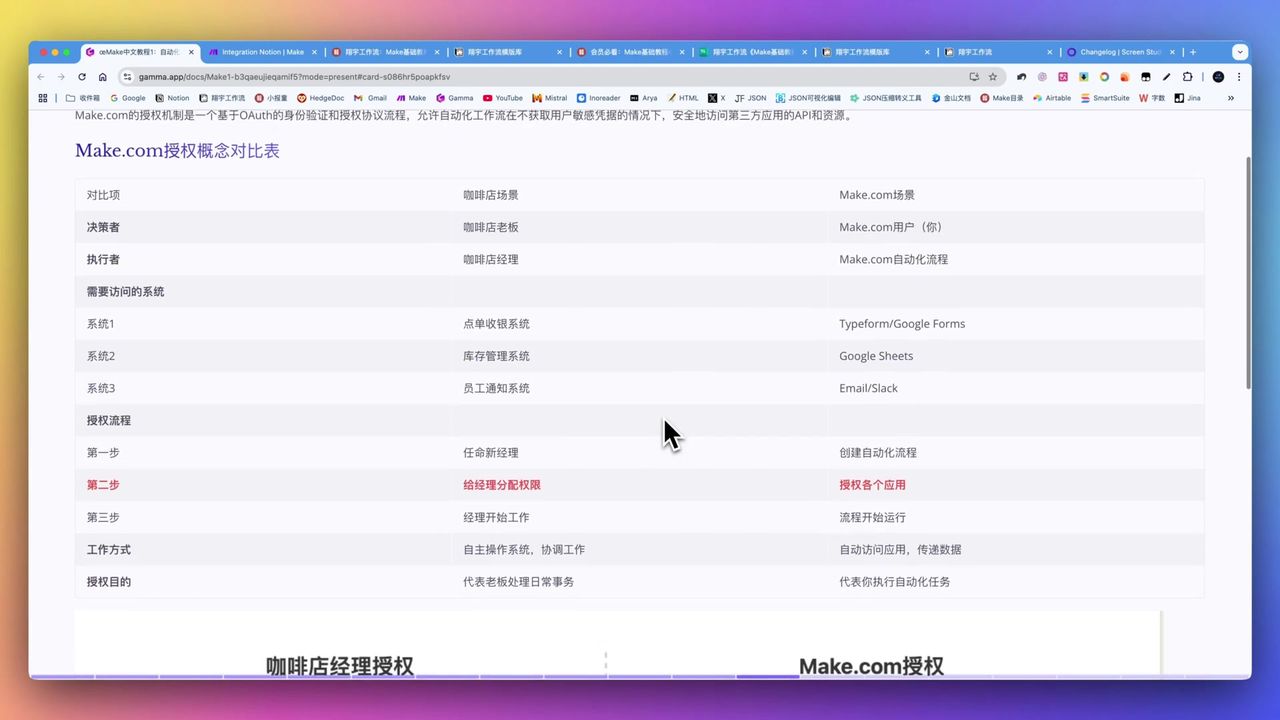 Coffee shop scenario to explain authorization concept
What are Connections?
Connections are credentials authorizing Make.com to access third-party apps.
Coffee Shop Analogy:
- You are the coffee shop owner
- Make.com is your hired manager
- Authorization is giving the manager shop keys
- Manager can manage shop on your behalf
Authorization Methods:
- API Key - Enter key string
- OAuth - Redirect login authorization
- Username/Password - Direct login
Core Concept 5: Data Mapping
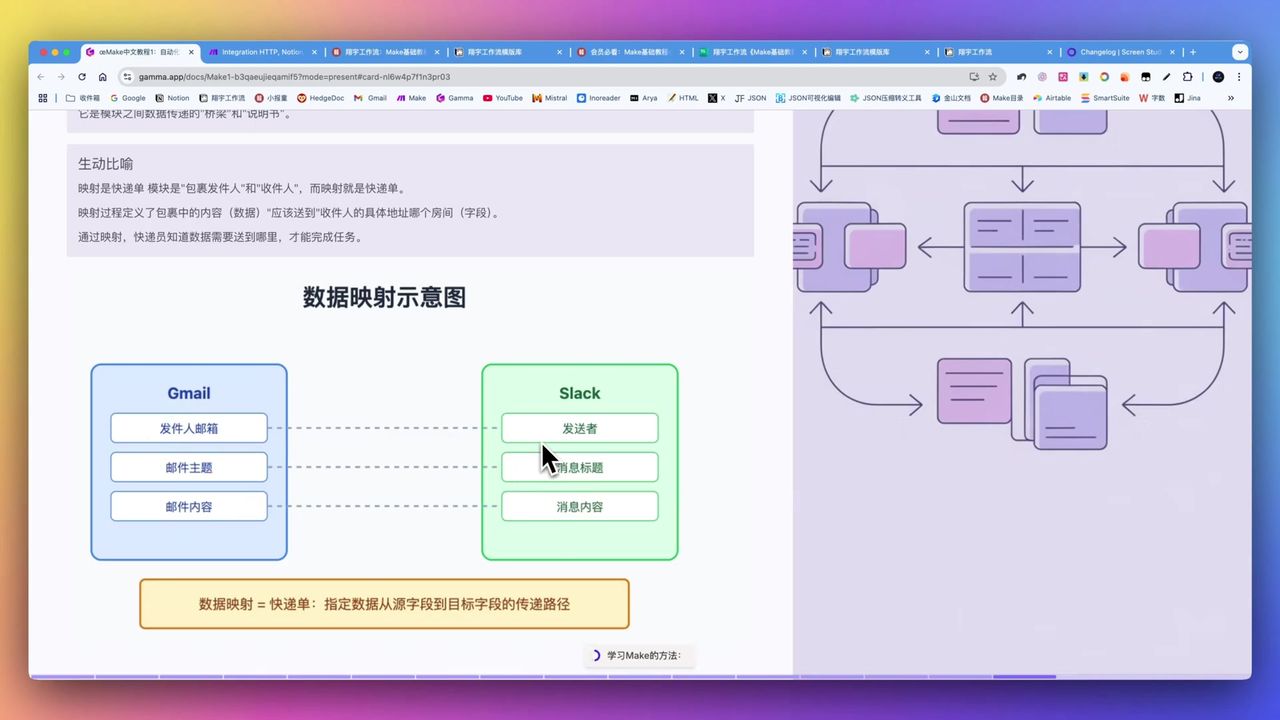 Data field transfer and configuration
What is Data Mapping?
Data mapping specifies how data passes from one module to another.
Delivery Analogy:
- Data is the package
- Mapping is the delivery slip
- Specifies where to pick up and deliver
Mapping Operations:
- Click target module’s input field
- Select output field from upstream module
- Field value transfers automatically
Example:
Notion gets title → ChatGPT's prompt field
ChatGPT generates content → Notion's content field
Workflow Operation Mechanism
Understanding Make.com workflows is like understanding a conveyor belt:
Conveyor Belt Analogy:
- Trigger starts the belt
- Data packages placed on belt
- Passes through each module station for processing
- Finally reaches destination
Execution Order:
- Execute left to right sequentially
- Upstream module output becomes downstream input
- Supports conditional branching and loops
Practical Application Scenarios
Typical Make.com applications in daily work:
Information Gathering & Management
- Auto-scrape news, industry updates
- Organize into desired formats
- Cross-language translation
Content Creation & Publishing
- Automated social media publishing
- Blog updates
- Multi-platform distribution
Data Processing & Analysis
- Integrate data from different sources
- Import to databases or spreadsheets
- Reduce manual input errors
Project & Schedule Management
- Connect calendars, task tools
- Notifications and reminders
- Auto-update statuses
Important Notes
Common issues during learning:
-
Conceptual Barrier - Need some understanding of API, HTTP basic concepts
-
International Platform Focus - China-specific apps may require HTTP module connections
-
Initial Learning Curve - May be frustrating for beginners, requires patience
-
Theory-Practice Balance - Recommend importing existing workflows to gradually understand mechanics
-
Foundation Building - Don’t skip seemingly unrelated workflow tutorials, they contain important operation patterns
Use Cases
Recommended For
- Content Creators - Automate content gathering, generation, publishing
- Researchers - Literature collection, summarization, data processing
- Corporate Employees - Email processing, document collaboration, scheduling
- Small Businesses - Improve operational efficiency, customer service
- Learning Enthusiasts - Enjoy building and optimizing automation processes
May Not Suit
- Users seeking plug-and-play, zero-configuration solutions
- Users lacking patience for troubleshooting
- Users relying solely on niche Chinese apps
FAQ
How many apps does Make.com support?
Make.com supports 2200+ app integrations, with new apps and features added monthly.
Do I need programming knowledge?
No coding required, but understanding basic concepts like API, modules, and data mapping helps build better workflows.
How’s the support for Chinese apps?
Make.com mainly targets international markets. China-specific apps may require HTTP module connections.
Is the learning curve steep?
There’s an initial learning curve. We recommend combining tutorials with existing workflows to gradually understand the mechanics.
Alternative Solutions
If Make.com doesn’t suit you, consider:
- Zapier - Similar functionality, possibly simpler but less flexible
- n8n - Open-source, self-hosted, for technical users
- Power Automate - First choice for Microsoft ecosystem users
- IFTTT - Oriented toward personal life automation
Next Steps
After mastering basic concepts, you can try:
- Create your first simple workflow
- Import existing workflow templates to learn
- Try connecting commonly used apps
- Explore more advanced features (routing, filtering, etc.)
Feel free to leave comments if you have questions!
FAQ
- How many apps does Make.com support?
- Make.com supports 2200+ app integrations, with new apps and features added monthly.
- Do I need programming knowledge?
- No coding required, but understanding basic concepts like API, modules, and data mapping helps build better workflows.
- How's the support for Chinese apps?
- Make.com mainly targets international markets. China-specific apps may require HTTP module connections.
- Is the learning curve steep?
- There's an initial learning curve. We recommend combining tutorials with existing workflows to gradually understand the mechanics.
Start Building Your Automation Today
Join 500,000+ users automating their work with Make.com. No coding required, free to start.
Get Started FreeRelated Tutorials
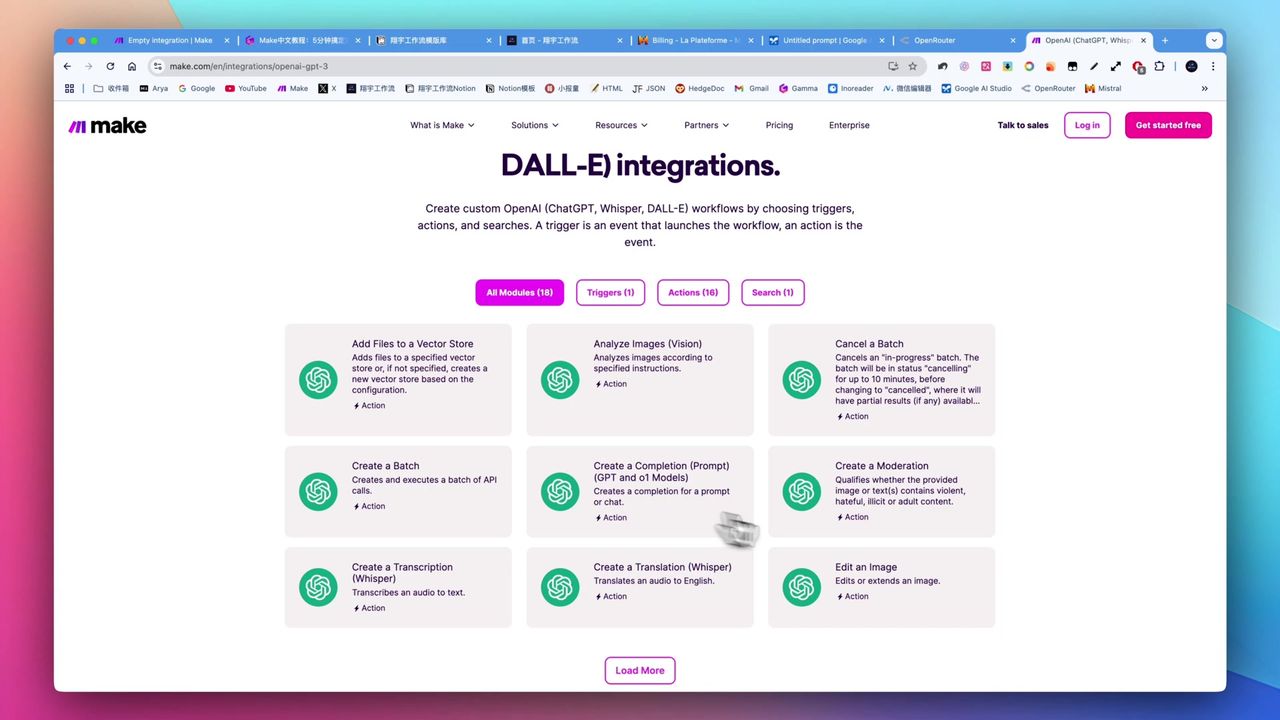
Make.com Tutorial: Build Your First Workflow in 5 Minutes
Build YouTube Data Archive in Notion with Make.com & Apify
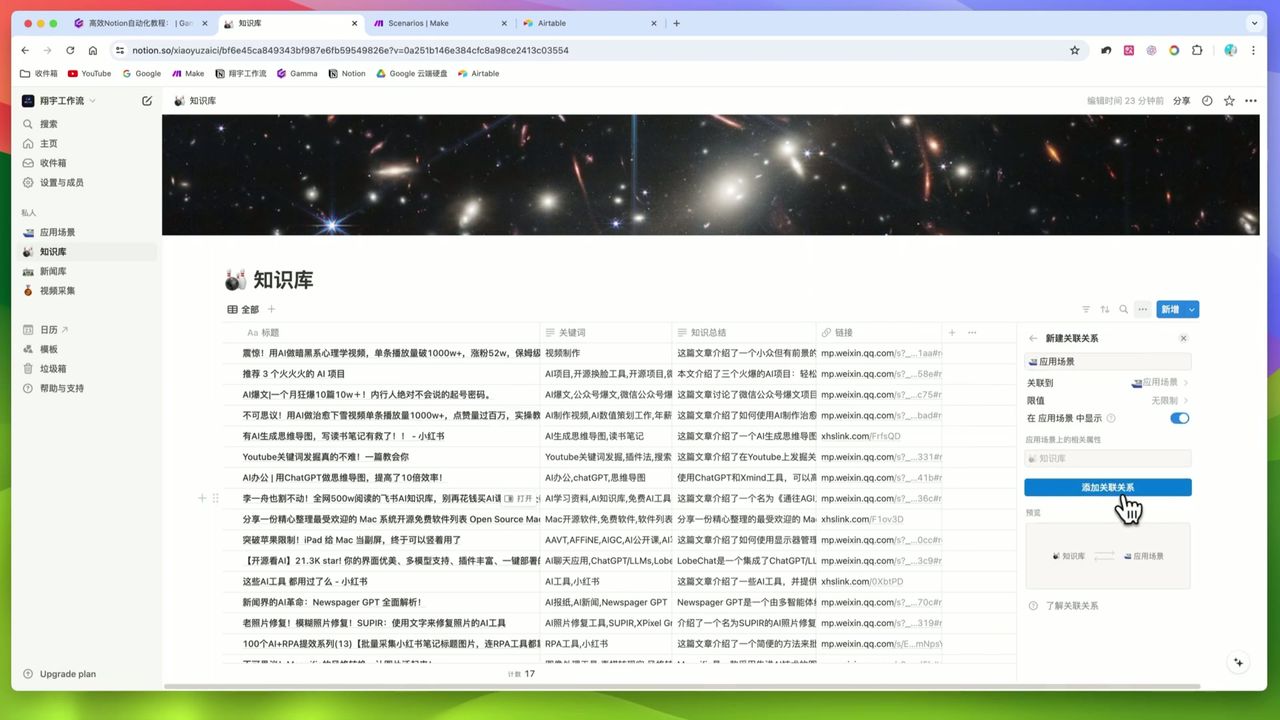
Auto-Classify Notion with AI Using Make.com
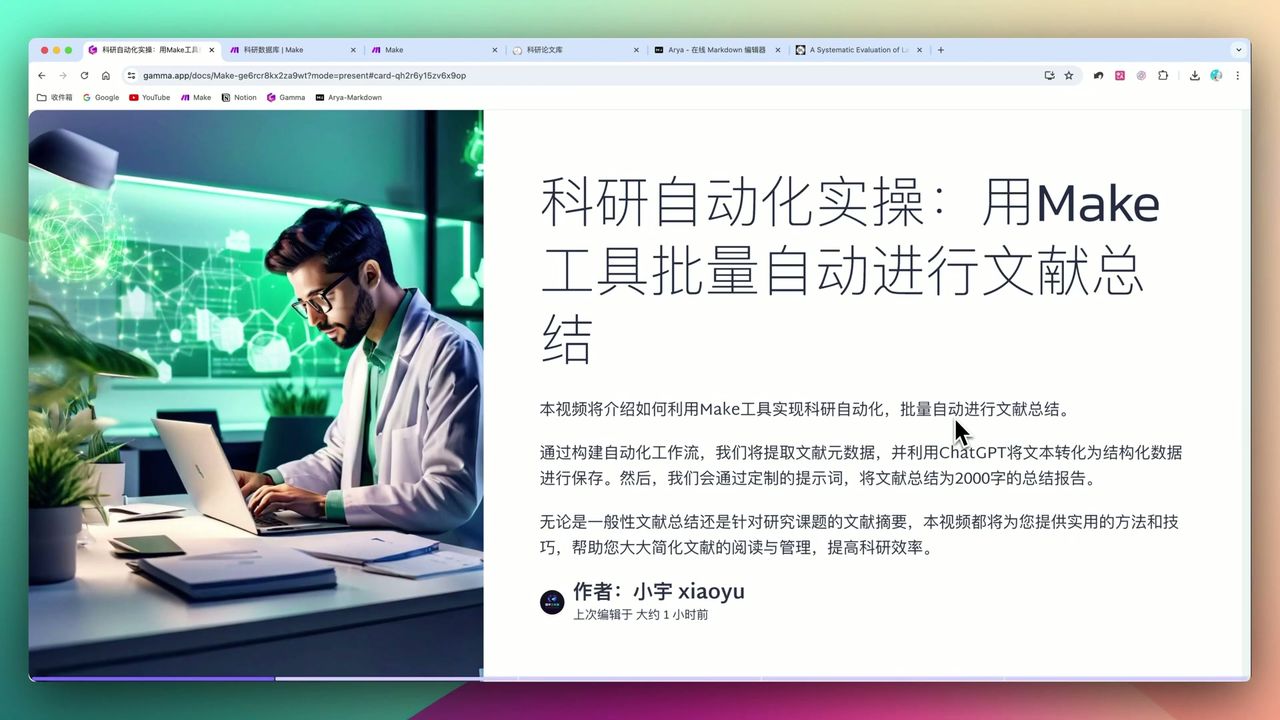
Automate Research Paper Summaries with Make.com
About the author
Alex Chen
Automation Expert & Technical Writer
Alex Chen is a certified Make.com expert with 5+ years of experience building enterprise automation solutions. Former software engineer at tech startups, now dedicated to helping businesses leverage AI and no-code tools for efficiency.
Credentials